Takes about 10 minutes. No fees, no agency needed. You choose whether your portfolio is public or private.
Join ZJELL Models free and get a professional, searchable portfolio that brands, agencies, photographers and casting teams can find and enquire about — public or private, your choice. ZJELL Models is a free service during its launch phase: no fees are charged to models or clients and no payments are taken on this website.
Who can join
Fashion, commercial, e-commerce, fitness, plus-size, mature, kids and new-face models based in India, the Middle East, Southeast Asia or Africa. You do not need agency representation or prior experience — a clear set of photos and accurate measurements are enough to start. Models under 18 join through a parent or guardian account.
What you get
- A full portfolio page with your own web address, up to 20 photos, video reels and a comp card
- Public or Private visibility — public portfolios are indexed by search engines; private portfolios are shown only to registered, vetted clients
- Booking enquiries delivered to the ZJELL desk and passed to you with the client details once the client has been checked
- The Verified badge after an ID and live video check — no documents are stored on the site
- Your rates stay private. Nothing about fees is published on ZJELL Models; you agree terms directly with each client
On your phone? Use the free My Zjell Portfolio app
Create and manage your portfolio from your phone: add photos straight from your gallery, fill in your details at your own pace, choose Public or Private and submit for review. Same account, same portfolio as the website — nothing to download from an app store.
Open My Zjell Portfolio How to create your portfolio on your phone
How to Create Your Model Portfolio: 8 Steps
The whole process takes about 10 minutes on your phone and is completely free. Every screen below is taken from the live ZJELL Models site, so you know exactly what you will see.
Keep these ready before you start
- An email address you can open right now (you will need to verify it)
- At least 3 recent photos on your phone: a clear headshot, a half-length and a full-length shot (6–20 is ideal)
- Your height, bust/chest, waist and hips in cm, plus dress and shoe size
- Your date of birth (kept private — clients only see an age range) and your Instagram handle
- Under 18? A parent or guardian’s name and WhatsApp number
-
1/8
Create your free account
Tap Create Your Model Portfolio — Free at the top of this page. On the sign-in screen, tap Create your free account, enter your email and choose a password, then tap Register.
Tip: use an email you check often — your verification link and approval message go there.
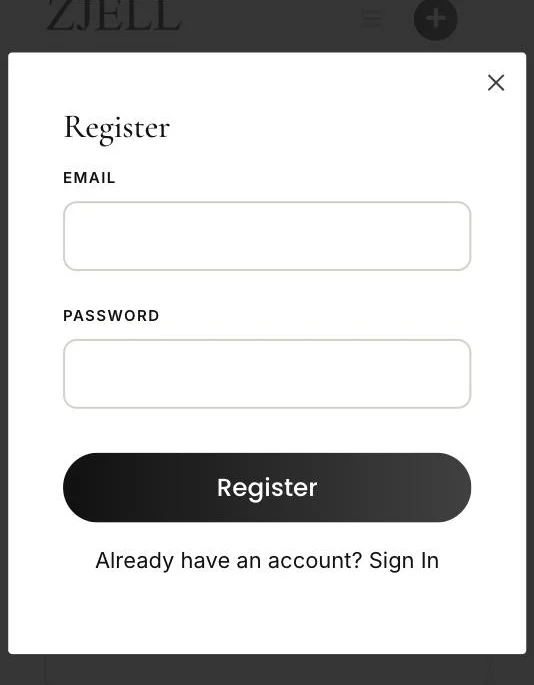
Register screen -
2/8
Verify your email, then sign in
Open the email from ZJELL Models and tap the verification link. Then sign in with the same email and password — you are taken straight to the portfolio form.
No email after 5 minutes? Check Spam and Promotions. Still nothing? WhatsApp the ZJELL desk and we will help.
-
3/8
Choose Public or Private, and add a cover photo
- Public — anyone can view your portfolio and Google can find it. Best for getting discovered.
- Private — only registered clients vetted by ZJELL, you and ZJELL administrators can see it.
Visibility is required: a portfolio with no choice cannot be approved. You can switch later from My Portfolio.
Cover photo (optional): a wide landscape photo, about 1600 × 500 px. Skip it and your first portfolio photo is used.
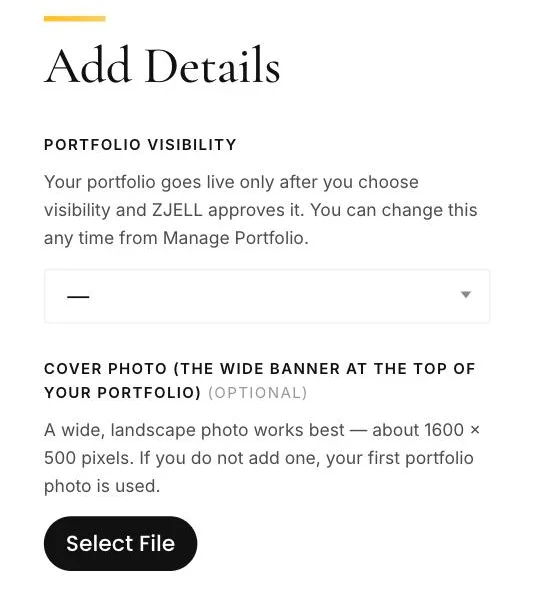
Top of the “Add Details” form -
4/8
Write your headline and pick your category
Your Professional headline tells clients in one line what you do and where — for example “Fashion & e-commerce model, Mumbai · 5 years”. Then choose the Category that fits your main work.
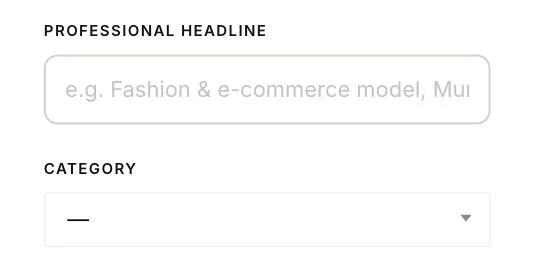
-
5/8
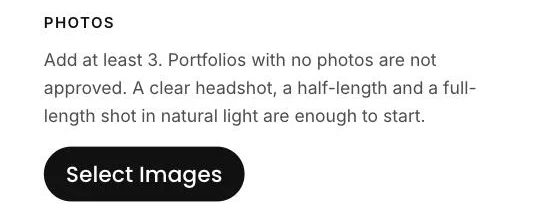
Upload your photos
Tap Select Images and add at least 3 photos (up to 20). Start with a clear headshot, a half-length and a full-length shot in natural light.
- Use original, recent photos — not screenshots
- Only photos you own or have permission to use; no watermarked agency images
- Show different looks: casual, formal, ethnic, fitness
-
6/8
Add your name and basic details
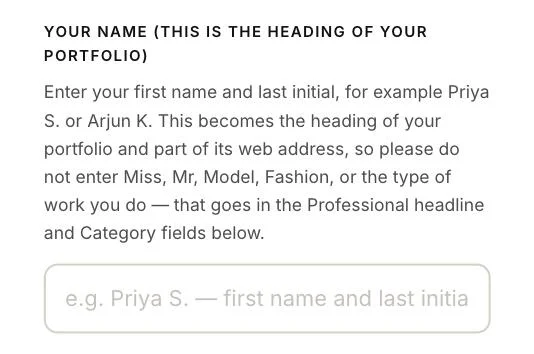
Fill in gender, home base city, nationality, the countries you can work in, work types (up to 5), languages and date of birth.
In Your name, type your first name and last initial — for example Priya S. This becomes the heading of your portfolio and its web address.
Most common mistake: typing “Miss”, “Model” or “Fashion” in the name field. Portfolios with a job title instead of a name are sent back.
-
7/8
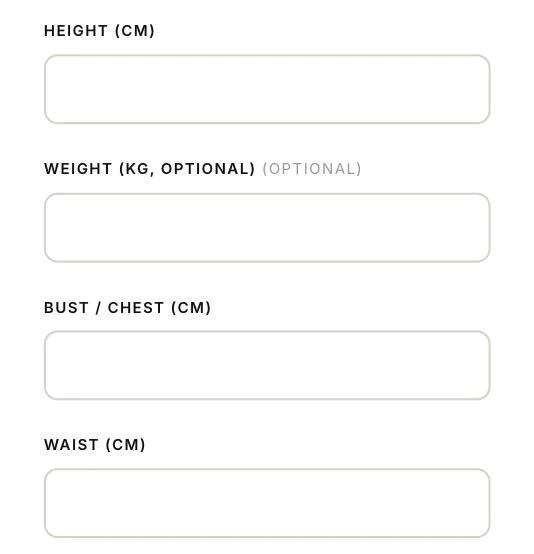
Add measurements, look and experience
Enter height, bust/chest, waist and hips in centimetres, then dress size, shoe size, skin tone, hair and eye colour, experience level and your Instagram handle.
Be accurate: clients search by these numbers. Wrong measurements lose bookings.
-
8/8
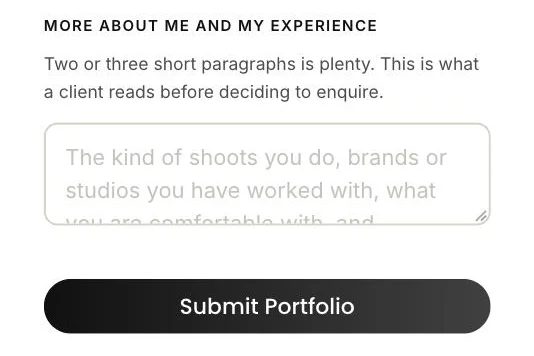
Tell clients about yourself and submit
In More about me and my experience, write two or three short paragraphs: the shoots you do, brands or studios you have worked with, and what you are comfortable with. Optional fields such as reels, comp card and travel preferences help too.
Tap Submit Portfolio. If a required field is missing, the form shows you which one.
What happens after you submit
- Review within 2 working days. The ZJELL desk checks your photos and details, and may contact you if something is missing.
- Approval. You get an email when your portfolio is approved. Public portfolios go live for everyone; private portfolios are shown only to vetted clients.
- Edit any time from My Portfolio, and share your portfolio link on Instagram and WhatsApp.
- Get Verified. Complete an ID and live video check for the Verified badge. IDs are viewed, never stored.
Common reasons a portfolio is sent back
- A title such as “Model” or “Miss” in the name field instead of your name
- No Public or Private choice
- Fewer than 3 photos, or screenshots and watermarked images
- Missing or unrealistic measurements
ZJELL Models is free during its launch phase: no registration fees, no commission and no payments on this website. Any shoot fee is agreed directly between you and the client.
What we need from you
- Photos you own or have permission to use — no watermarked agency images
- Accurate height, measurements and sizes (they are searchable and clients rely on them)
- A working WhatsApp number for the desk — it is never shown publicly
- For minors: a guardian account, guardian ID at verification, and no direct messaging
Frequently asked questions
Is ZJELL Models free?
Yes. During the launch phase there are no registration fees, subscription plans or commissions. Any fee for a shoot is agreed directly between you and the client.
Do I need to be signed with an agency?
No. Independent models are welcome. If you are agency-represented you can say so on your portfolio and the desk will route enquiries through your agency if you prefer.
What is the difference between Public and Private?
Public portfolios are visible to everyone and indexed by search engines. Private portfolios are visible only to registered clients that ZJELL has vetted, to you and to ZJELL administrators, and are kept out of search results and social previews. You can switch at any time from Manage Portfolio.
Are my photos protected if my portfolio is private?
A private portfolio page and its gallery are hidden from visitors, directories, search engines and link previews. However, like most websites, an image file can still be opened by anyone who already has its direct link. Do not upload images you would not want shared.
Who sees my contact details?
Only the ZJELL desk. Clients receive your contact details only after the desk has checked the client and you have agreed to the enquiry.
How do bookings work?
A client sends a booking request through your portfolio. The desk confirms the brief, dates and location with the client, then connects you. You agree the fee and terms directly with the client; ZJELL Models does not handle payment.